Standard Render
Free, no sign-up, no watermark — the default and the right first try on any photo.
Official site →Pro Quality Mode
Larger model, more sampling steps, visibly cleaner edges on photos you plan to keep.
Official site →Multi-Person Targeting
Pick the face in a group shot instead of letting the model guess wrong.
Official site →No-Logs Session
One toggle, no stored filename or output. Flip it before you upload, not after.
Official site →Batch Upload
Queue ten or more photos in one run — built for creators working through a shoot.
Official site →Creator Credit Pack
Buy credits once, spend them when you need Pro or batch. No subscription, no auto-renew.
Official site →DeepNude Online: Undress Any Photo in Seconds, Free and Without Sign-Up
You have a photo. You want to see what is underneath the clothes. That is the whole product. deepnudeonline.icu takes a normal, fully dressed picture — a selfie, a mirror shot, a beach photo pulled off a chat — and the AI redraws the body underneath with nothing on it. Upload, wait roughly ten seconds, look at the result, download it if you like it. No account wall, no email confirmation, no credit card to see your first render.
Most people arrive here from a search for "deepnude online" after bouncing off three other sites that wanted a login before showing anything. We built this one the other way round: the tool is on the page, the button says Upload, and the output appears in the same window you started in. If you are on a phone — and roughly seven in ten sessions are — the whole flow works in mobile Safari and Chrome without an app install.
The engine is tuned for real photos, not studio sets. Phone cameras, mixed indoor light, slight motion blur, a jacket over a shirt, a dress with a pattern: all of it is normal input here. That matters, because the failure mode of cheap undress tools is not the body — it is the clothing edges. Our segmentation pass runs first and maps the garment boundary before a single pixel of skin is generated, so collars, straps and waistbands stay where they belong instead of smearing into the torso.
Use it for whatever you want. Satisfying curiosity about a photo. Checking how a dress would sit without the shapewear. Making a private set for yourself. Making a set for someone else and pretending it was hard work.
At a glance
- Free renders, no sign-up, no watermark on the standard output
- Typical processing time: 8–15 seconds per photo
- Works with JPG, PNG, WebP and HEIC-converted uploads up to 12 MB
- Files deleted from the working queue after processing
- Desktop and mobile, no install, no browser extension
How It Works: Three Steps, No Learning Curve
There is no settings panel to study before your first try. The default pipeline is the one that wins on ordinary photos, and it is already selected when the page loads.
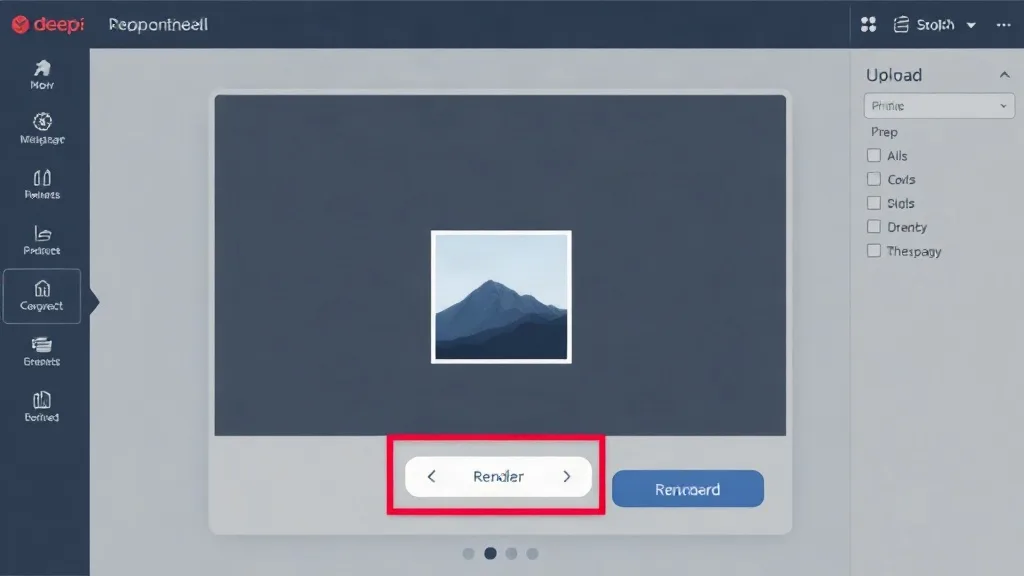
- Upload the photo. Drag a file onto the drop zone, tap the upload button, or paste an image straight from the clipboard. The tool accepts a single subject or a group, and it will ask you which person to target if it detects more than one face.
- Let the AI process it. The segmentation model maps the body and the garment outline, then the diffusion pass repaints the covered region to match the subject's skin tone, build and the light in the room. You do not have to prompt anything — the defaults handle crop, tone and pose alignment.
- Get the result and download it. The finished image appears beside the original for a side-by-side check. If the tone is off or the edges are soft, hit Re-render or switch to a higher quality mode. Download as JPG or WebP at full resolution.
The three steps take less time than reading them. First renders on a fresh connection sometimes take an extra few seconds while the model warms, then settle into the normal 8–15 second band.
What the Tool Actually Does Well
Output quality that survives a zoom
Skin tone matching is the difference between a result that looks generated and a result that looks photographed. The pipeline samples the exposed regions of your subject — arms, neck, face — and carries that tone and its shadow gradient into the repainted area, so a warm indoor selfie does not come back with cool grey skin. Edges get a second refinement pass at full resolution rather than being upscaled afterwards.
Higher quality modes are available for photos you intend to keep. Standard renders are fast and free; the Pro pass runs a larger model with more sampling steps and is worth the extra fifteen seconds on anything you plan to post.
Fast enough to be worth trying twice
A render that takes four minutes is a render you only attempt once. Ours sits in the seconds range on GPU inference, which means you can try a different crop, a different mode, or a different photo without losing an evening. Queue priority is higher for signed-in sessions during peak hours, but the free queue still moves.
Privacy-first by default
No account is required, so nothing is tied to an identity unless you create one. Uploads travel over TLS, sit in an isolated working directory while the job runs, and are cleared on a short timer afterwards. Nothing is added to a public gallery, and nothing is used to train a model unless you explicitly opt in.
No-logs mode for the paranoid
Turn on No-Logs and the render is processed in a session that keeps no record of the filename, the source photo or the output once you close the tab. If you are undressing a photo of someone who would rather not have a copy floating around, this is the switch to flip before you upload, not after.
Privacy is a setting, not a slogan. If the photo is sensitive, enable No-Logs first — the toggle sits directly under the drop zone and takes one tap.
Modes Compared
| Mode | Best for | Speed | Cost |
|---|---|---|---|
| Standard | Quick checks, phone selfies, throwaway curiosity | 8–15 s | Free |
| Pro quality | Photos you plan to keep or post | 25–40 s | Credits |
| Multi-person | Group shots, couples, two-subject frames | 20–35 s | Credits |
| Batch | Ten or more photos in one run | Queued | Credits |
Tips That Improve Your Results
Most disappointing renders are input problems, not model problems. A few habits fix the majority of them.
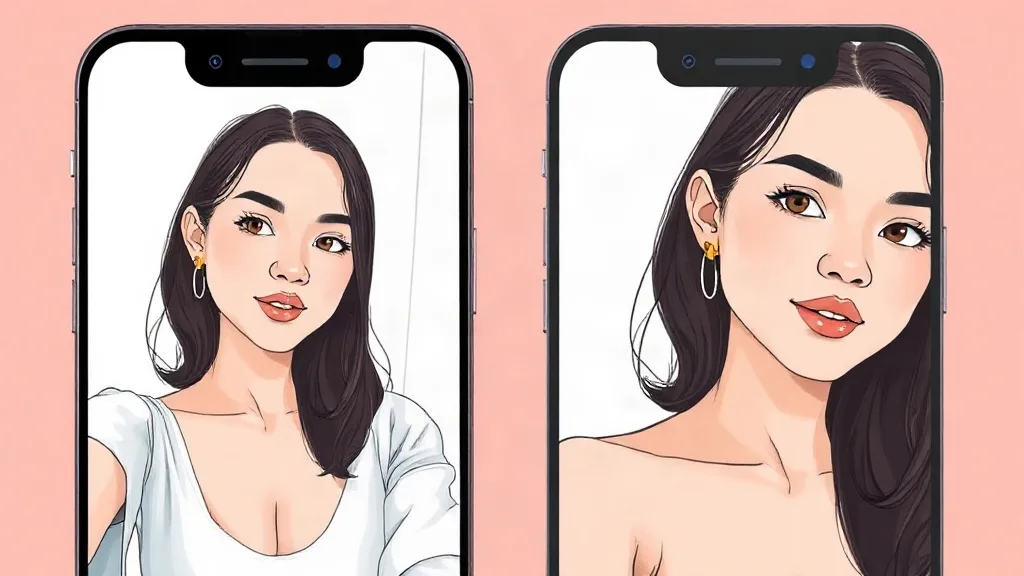
- Use a sharp photo. Motion blur and heavy compression are the two biggest quality killers. If the source is soft, the repainted area will be soft too.
- Keep the subject large in frame. A full-body shot from six metres away gives the model very few pixels to work with. Waist-up or three-quarter crops render far better.
- Match the pose to the clothing. Standing, straight-on photos with clear garment boundaries produce the cleanest edges. Extreme twists and heavy layering are harder.
- Pick the right person in group shots. The tool asks — answer it. Guessing wrong wastes a render.
- Re-render before you give up. Diffusion is stochastic. A second pass on the same photo often lands noticeably better, especially on the tone match.
- Try the Pro mode once. If the free result is close but flat, the higher-step model usually closes the gap.
Heavy outerwear — puffer jackets, thick knits, layered coats — hides the body shape the model needs. If a render looks like a guess, the coat is usually why. Try a photo in lighter clothing.
Who Uses It
Curiosity is the entry point, but the repeat users are more specific. Content creators test how a shoot would read without wardrobe. People in long-distance relationships trade renders. Fitness users check how a physique reads under a shirt. Cosplay and styling hobbyists preview a costume change without sewing anything. None of them need an account to start, and most never make one.
Free Renders and What Credits Buy
The free tier is a real tier, not a demo. You get standard-quality renders without a watermark and without a login. Credits exist for people who want the Pro model, multi-person targeting, batch runs and queue priority — the things that cost GPU time. You are never charged to look at a result you have already generated, and there is no subscription trap: credits are bought once and spent when you use them.
The Bottom Line
"Deepnude online" should mean a tool that is already open when you arrive. Upload a photo, get a result in seconds, download it, close the tab, and leave nothing behind but the file on your phone. That is the entire promise, and it is live on this page right now.